Create an Audience Using Abigail
Targeting with artificial intelligence allows you to automatically select customers who are most likely to purchase selected products. The system is based on historical customer behavior and identifies those who purchase similar products or behave similarly to existing buyers. This allows you to quickly create a relevant target group without complex conditions.
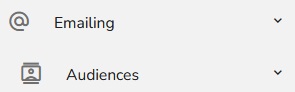
To create a new audience Using Abigail, click on "Emailing — Audiences".
In the header of the table, click on the "Plus" icon and choose "Create an Audience Using Abigail".

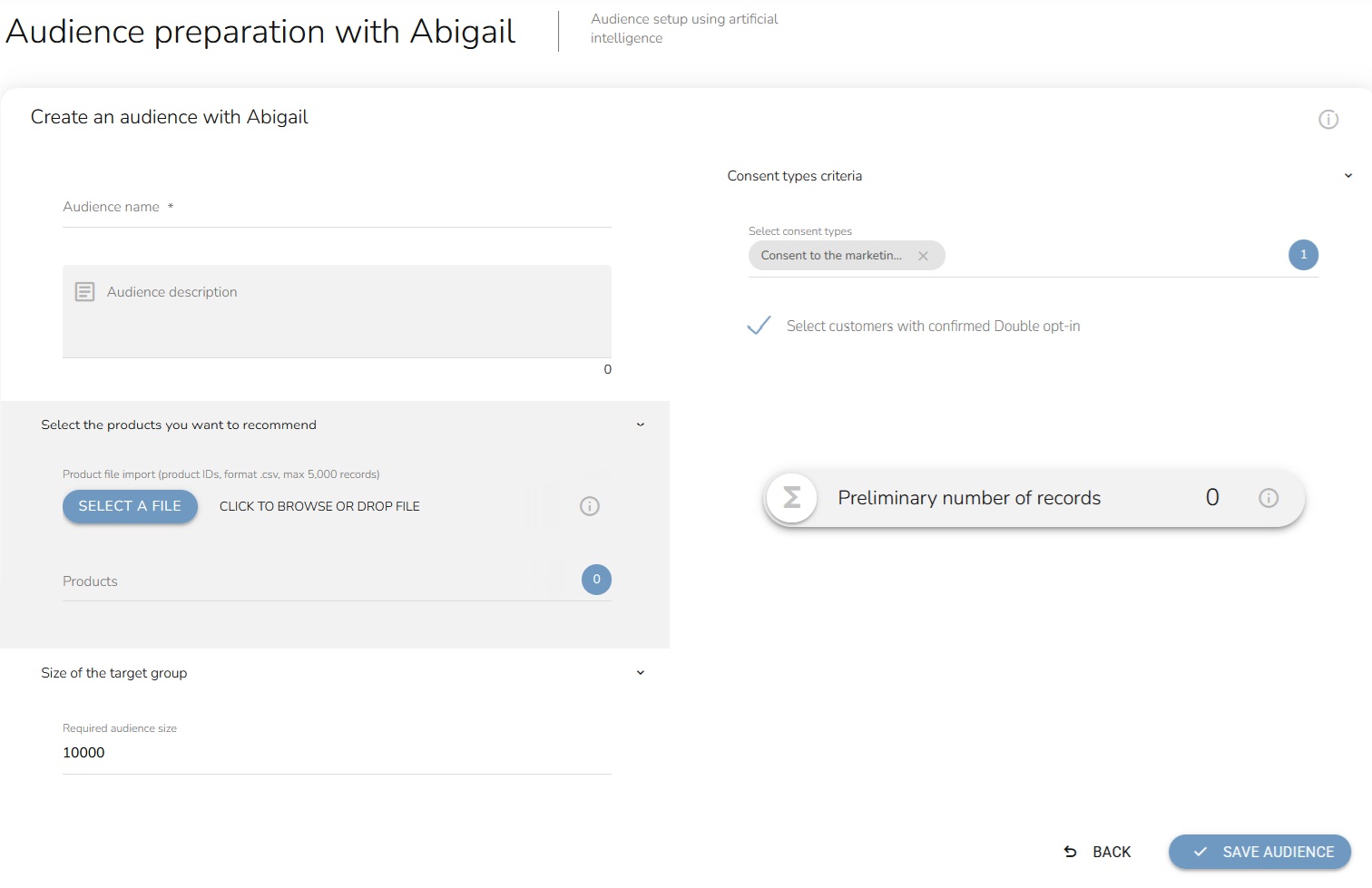
An Audiance preparation form will appear.
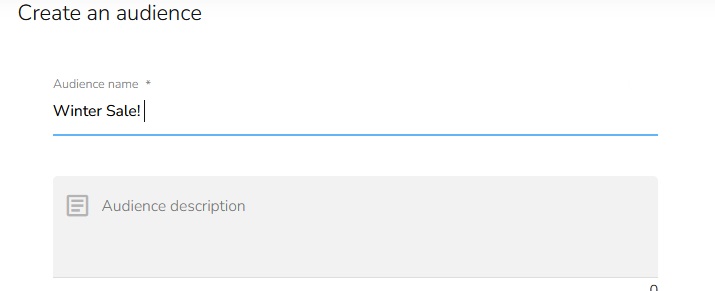
Fill in the Audience name and Audience description.
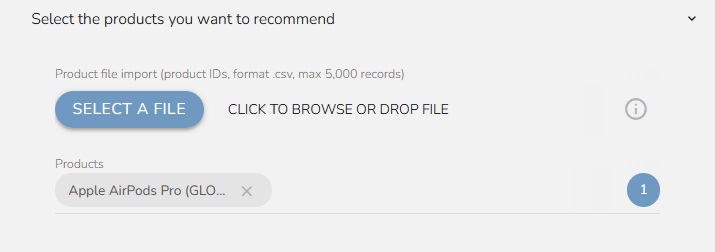
Select the products you want to recommend. You can select products manually or select them by importing a file. Insert a .csv file with products. The file doesn't contain the header. Enter the external_id in the first column, and the Code of the particular product list (if you don't use GLOBAL) in the second column. The delimiter is a semicolon.
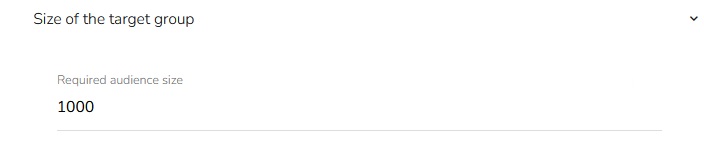
Set the target group size.
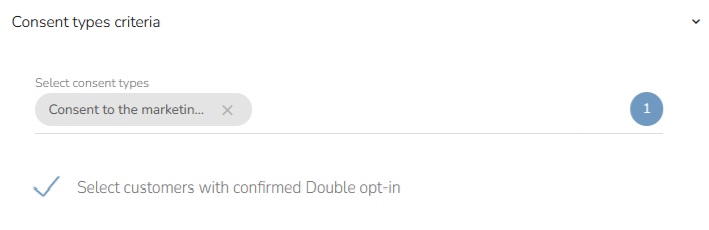
Choose Consent types criteria. Select consent types from dropdown and mark if you want to select customers with Double opt-in.
After pressing the button, the preliminary number of records in the target group is calculated.

When everything is set, click on the "Save Audience" button.