New Template
[avatar-to-video image="https://cdn.carecloud.cz/help/avatar.png" video="https://cdn.carecloud.cz/help/video/new-template.mp4"]
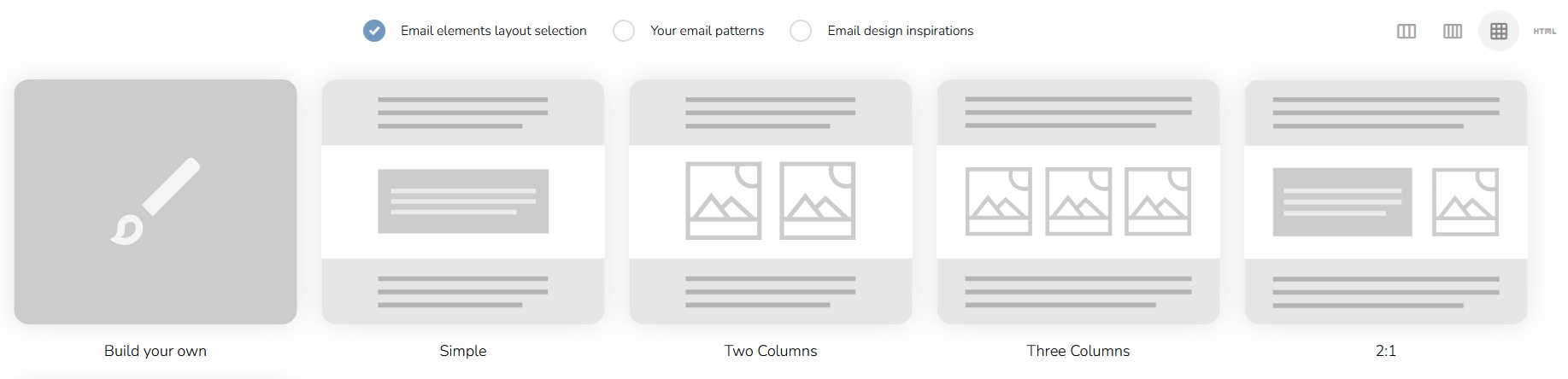
Select between the Email elements layout selection, Your email patterns, or Email design inspirations in the top part of the screen.

When creating an email, you have several options: start with a blank template, choose one of the predefined templates based on the layout of the elements (the icons represent the basic structure of the email),
or upload your own HTML code.
The Email designer will appear.
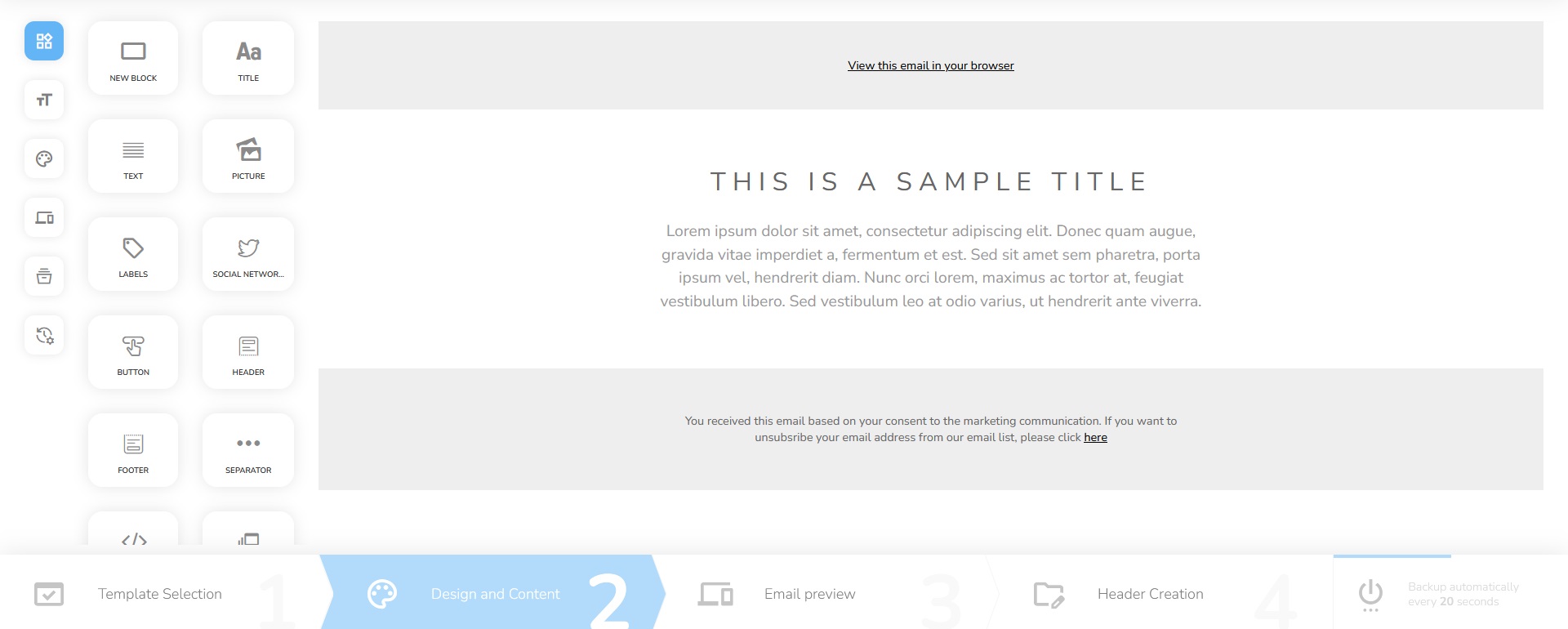
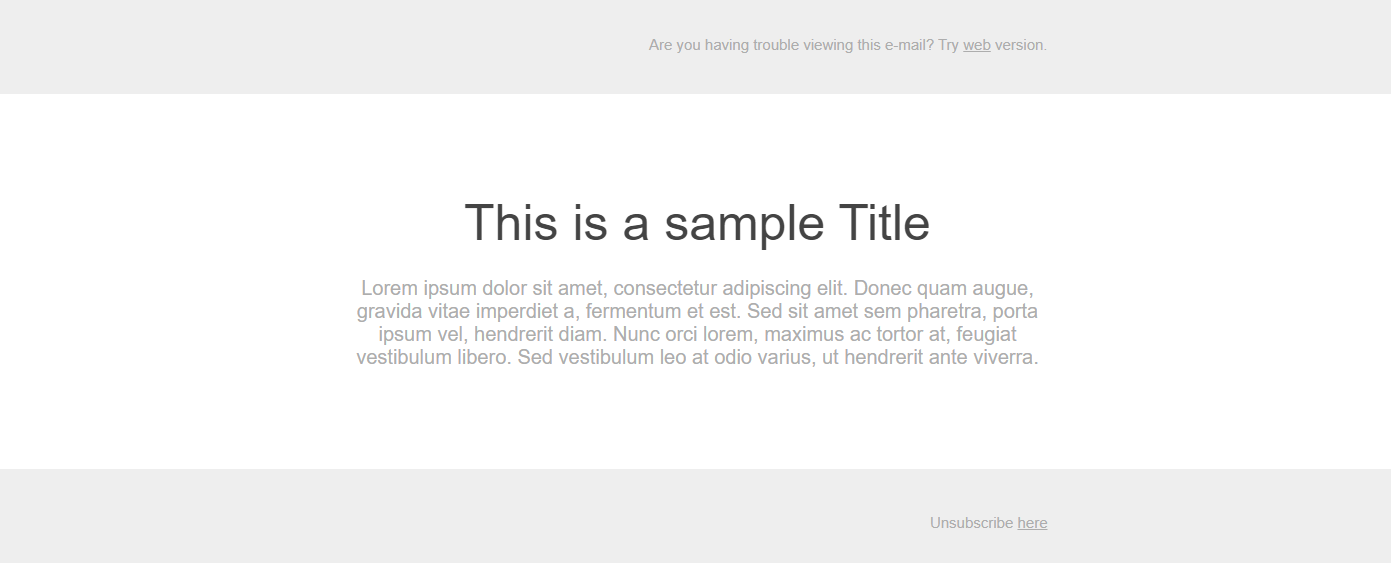
In the center of the screen, there is a workspace where you can create the email design.
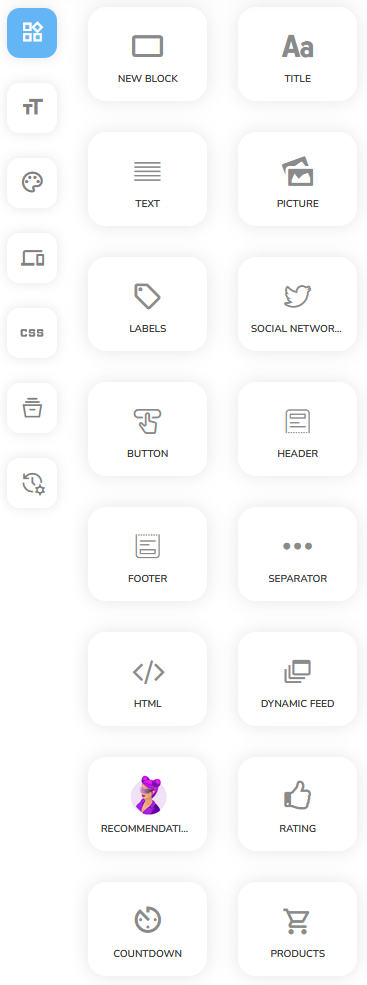
There is a Menu with design instruments, colors set, and font settings on the left side. There are instruments such as New block, which will create a new block that can be divided into several parts, Title, Text, Picture, Labels, Social networks, Button, Header, Footer, Separator, HTML, Dynamic feed, Recommendation engine, Rating and Countdown.
In the bottom part, you can see a timeline of the email creation. First, you select the template, then create the design and content, after you check how the email will display on different devices. In the end, you will create a header.
