Price
Adjust the price settings by clicking the "Price" icon.

Note: There are two default price parameters that you can adjust with these settings - Price and Regular Price. Regular Price is the amount before discount (appears as a strikethrough), whereas Price is the amount after discount.
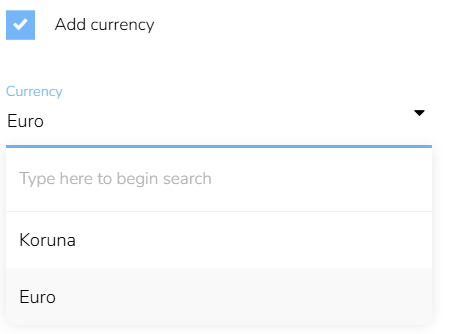
To add currency, click on the first checkbox and choose the currency you want to display.
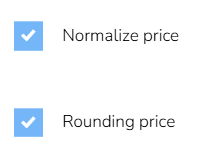
If your price values contain decimal places, you can normalize the values with or without rounding them. This means that the decimal point and all of the digits on the right of it will be removed.
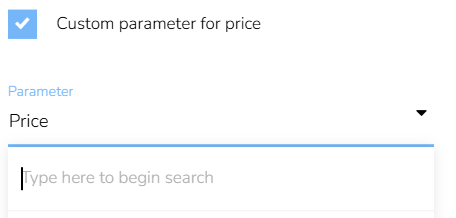
To change the parameter displayed as Price, search and select any product parameter on your project.
Price and Regular Price can be displayed side by side or one under the other. If displayed side by side Regular Price is always on the left while Price is on the right.

You also have the option to display percentage discount of every product. If needed, you can round up the values by ticking the checkbox Rounding percentage discount.
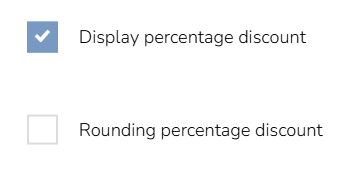
The percentage discount is calculated automatically from the difference between Regular price and Price and is only available when the prices are displayed side by side on the same row.
