Style of Values
Define the style of any value by clicking on the "Text style" icon.

Choose the values you want to modify. Values of Title, Description, Price, Regular Price and Percentage discount can be adjusted independently. Style of any other value is defined in the General tab.

For each value you can define text style settings such as font, font weight, letter spacing, text alignement and text color.
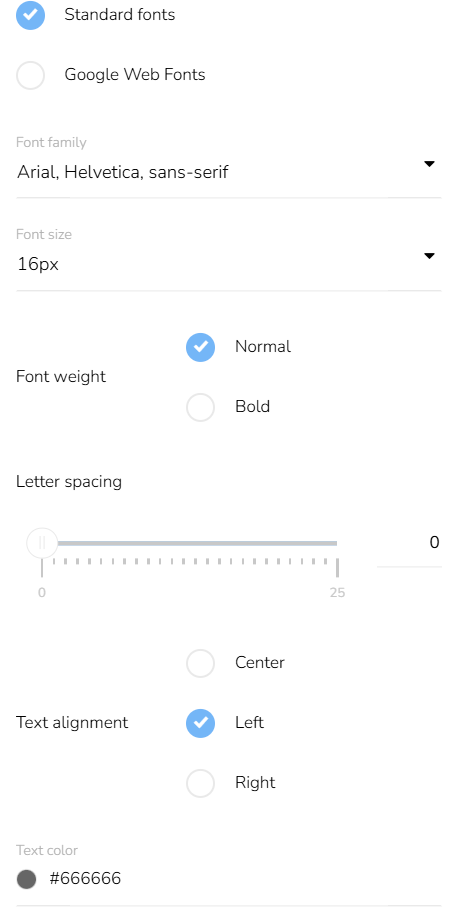
When defining the style of Title and Description, there is the option to shorten long text to a compact lenght. If selected, Title shortens to 3 lines and Description shortens to 6 lines.

For further ajustment of Price, click here.
For further adjustment of Images, click here.