Customer PassMachine ID file upload
Using this feature, you can send the campaign to customers/audience that are not included in CareCloud database.
Open application "Campaigns & Audiences ."
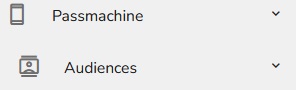
Click on "PassMachine."

Select "Audiences."
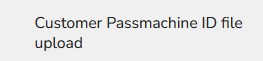
Click on "Customer PassMachine ID file upload."
"Audience creation" table will appear.
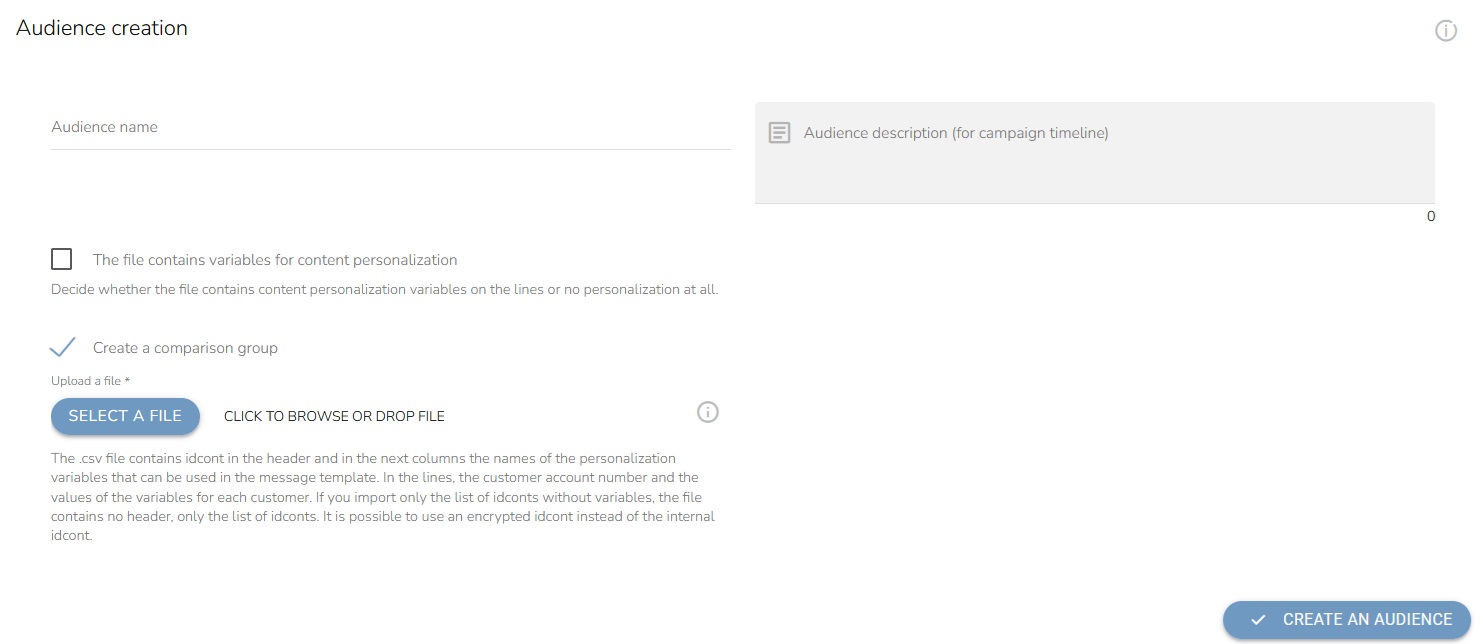
You can then name your audience.
Decide whether the file contains content personalization variables on the lines or no personalization at all.

Check if you want to create a comparsion group.

Click on "Select a file" and upload a file in CSV format with your contacts. The .csv file contains idcont in the header and in the next columns the names of the personalization variables that can be used in the message template. In the lines, the customer account number and the values of the variables for each customer. If you import only the list of idconts without variables, the file contains no header, only the list of idconts. It is possible to use an encrypted idcont instead of the internal idcont.

Add a description of the audience.
Click on "Create an Audience" to finish it.