Layout
To change the layout of the Product tool, click on the "Layout" icon.

Choose the layout type.
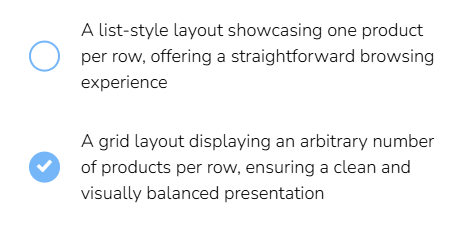
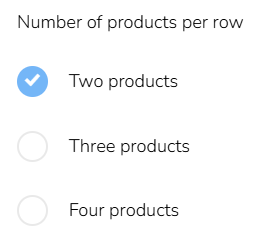
If choosing the grid layout, you can also define the number of columns per row.
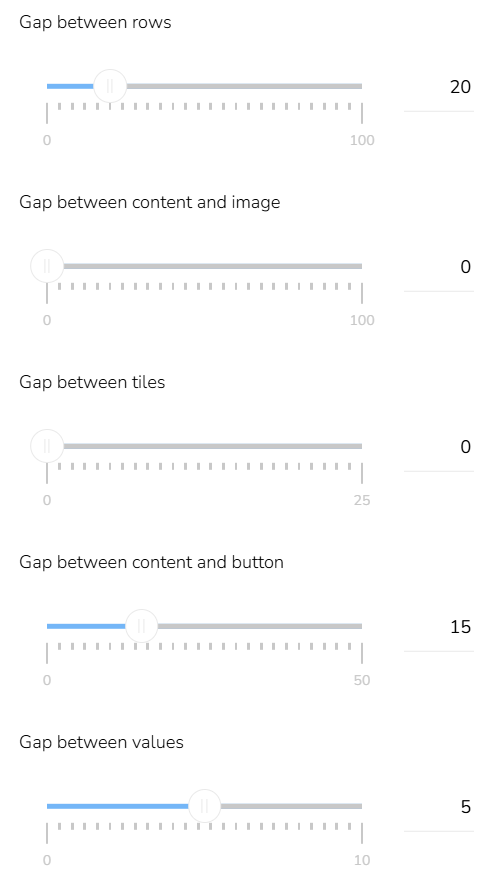
Adjust the gaps between individual elements by moving the slider on the pixel scale.
The row heights can be aligned by ticking the checkbox "Equal row height".