Completed Campaigns
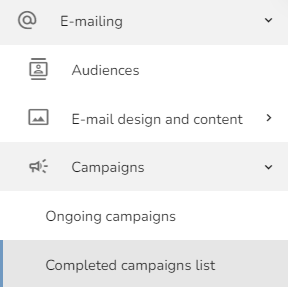
To open the Completed campaigns section, click on the "Emailing" — "Campaigns" — "Completed campaigns list" in the left menu.
The completed campaigns table will appear. In the table, you can see the Time of start sending, ID of the campaign, Template preview, Campaign name, Tags, How many customers were targeted, How many messages were delivered, How many messages were opened, What was the Open rate, How many unsubscribed, What was the Hard Bounce and Soft Bounce, When the sending started and finished, Who created the campaign, The Audience name used in the campaign, and Used template name.
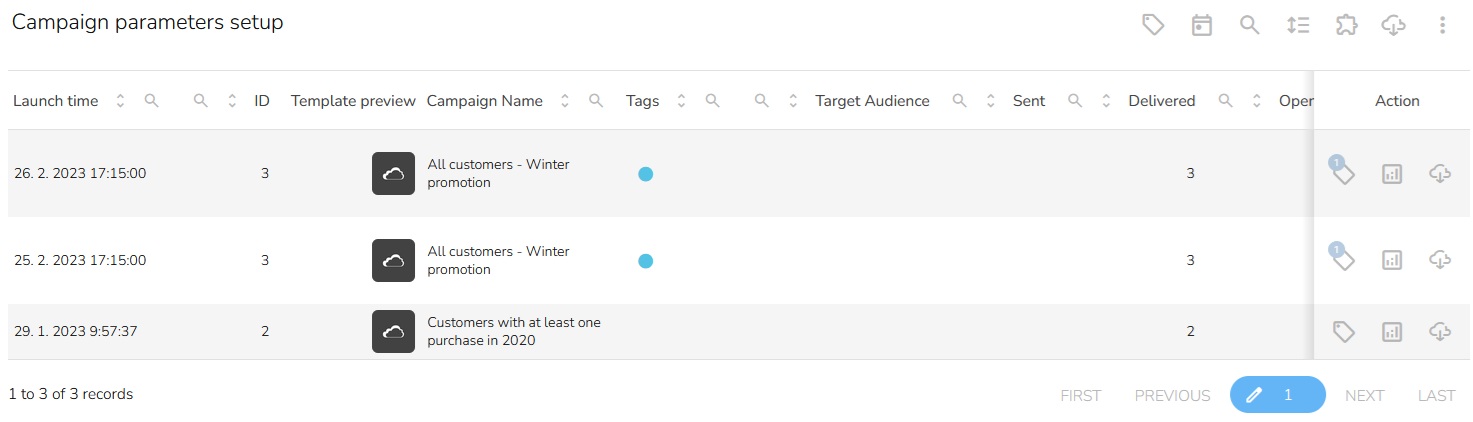
By clicking the "Tag assignment" button, you can see which tags are assigned to the campaign.

You can view the detailed results of the campaign by clicking on the button "View Detailed Report."

There is a possibility to download the campaign results as an Excel file. Click on the "Download Results of Campaign" icon to download the results.
