Click & Collect 03: Business Unit Notification
Workflow Detail: Seamless Click & Collect reservations start the moment a customer hits 'order.' Our dedicated workflow instantly routes notifications to the right team, ensuring no time is wasted even if an order is canceled or abandoned.
Workflow Preview:
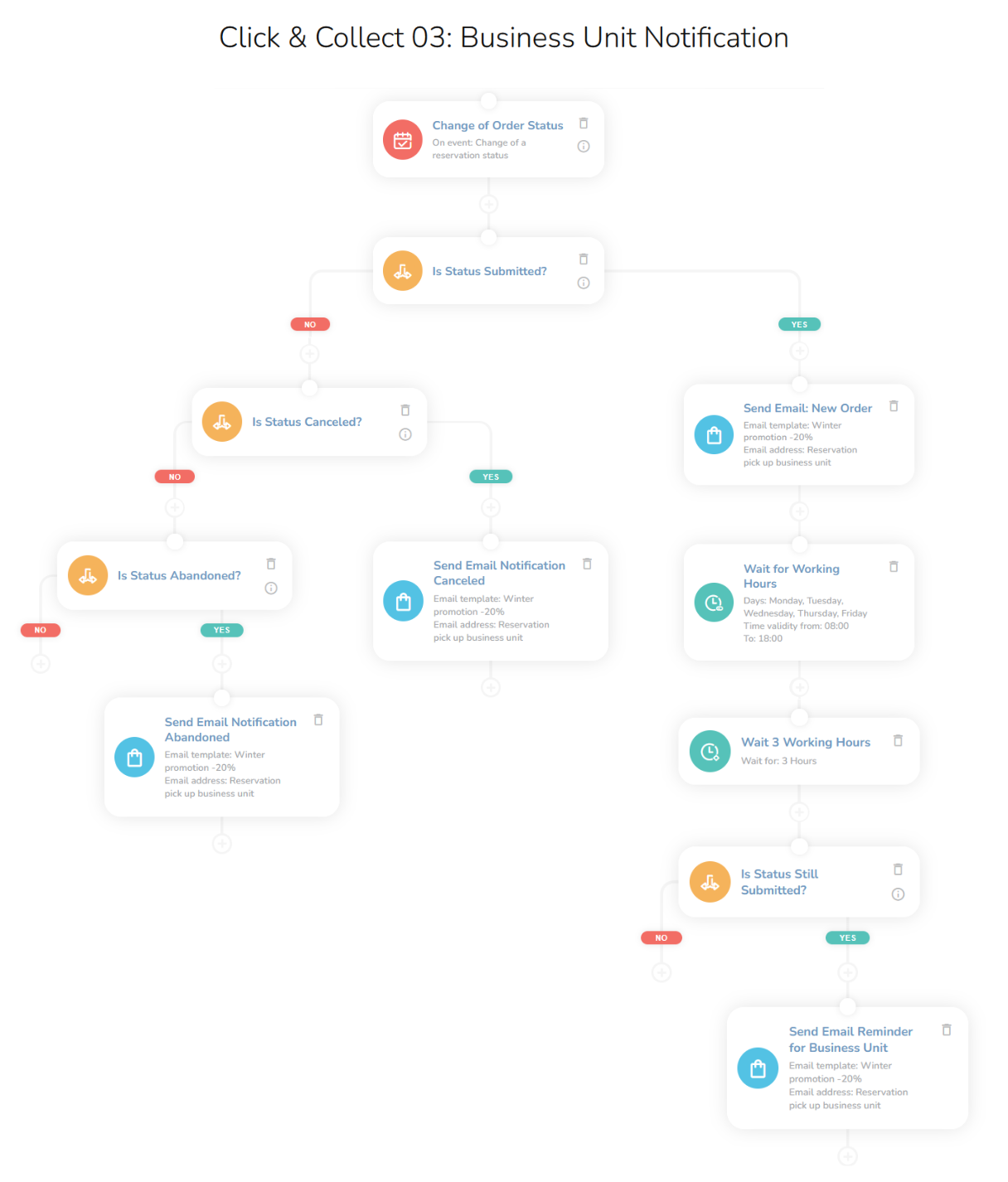
See the details of this workflow in the CareCloud Platform Demo here or ask for your access details.
Step by Step Description
Below is a description of each node in the workflow with an explanation if needed.
Trigger
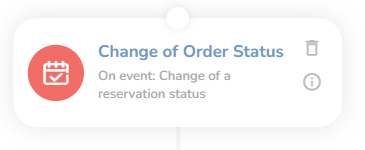
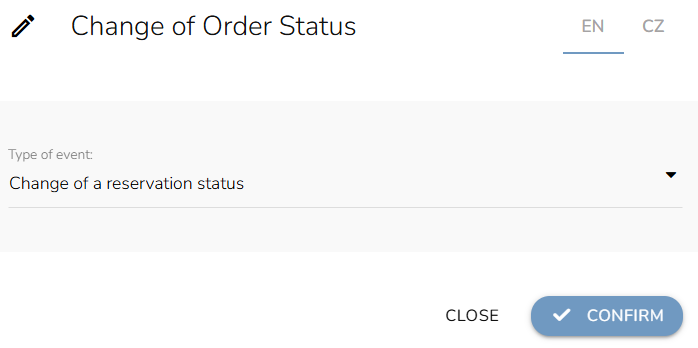
The workflow is triggered with the external Change of reservation status event. This means that every time a reservation status changes this workflow begins.
Conditions
Now, the workflow divides into three branches based on the reservation status via the "Condition" node. For each, choose the "Add trigger event condition" and set the attributes such as: Reservation status, Any, and lastly choose the right status (Submitted, Canceled, and Abandoned).
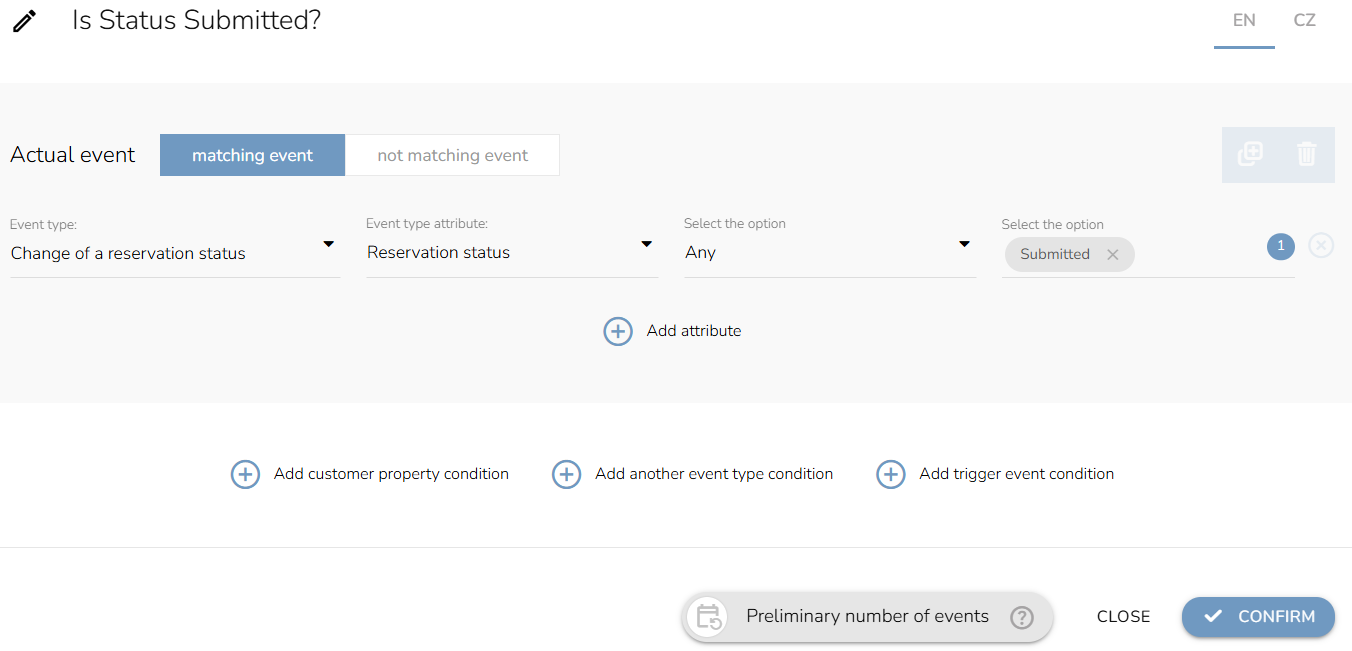
Now we will look at each branch.
Status Submitted
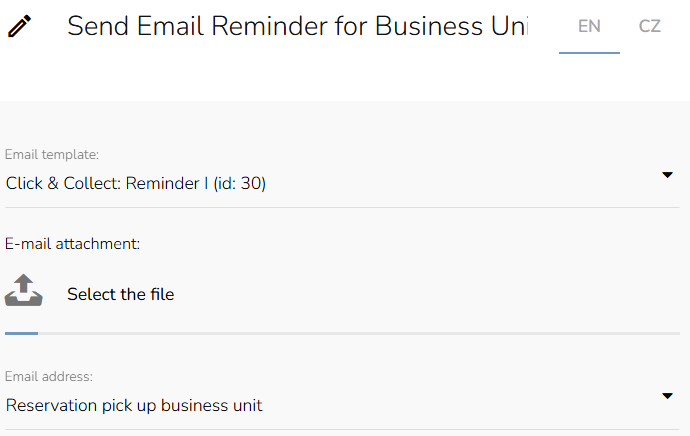
First thing first, we set the "Send Email to the Business Unit" node. Thanks to this node, the business unit will receive an email about a new reservation. Choose the email template, and for the email address, select "Reservation pick up business unit" from the dropdown.
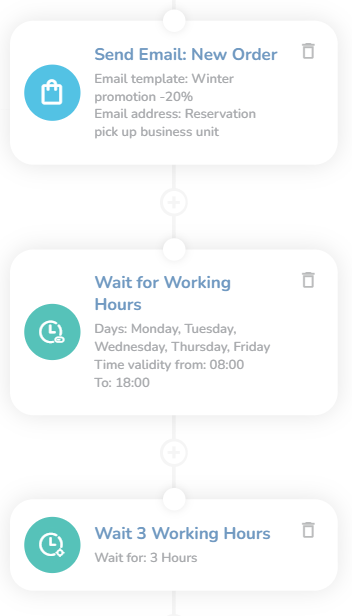
Note: Emails need to be designed first in the "Campaign & Audiences App".
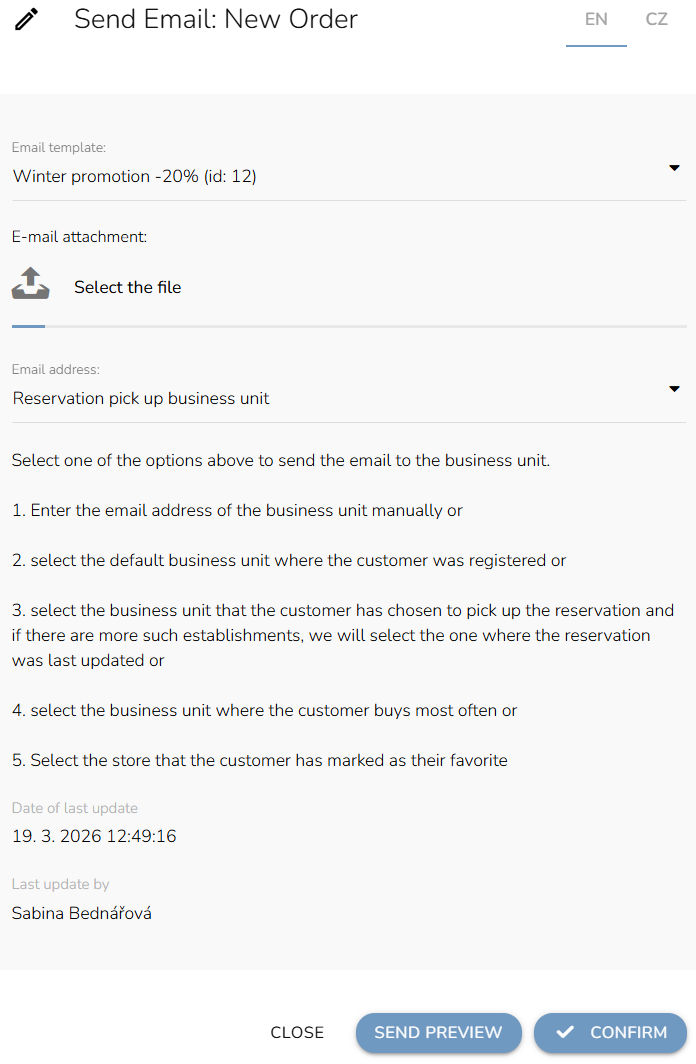
After that, set the "Waiting for time range" node (where you choose the day and time the email can be sent) and the "Waiting" node (here you set how long the workflow should wait before moving to another node).
Lastly, we set the condition that will check whether the status is still submitted. Choose "Add trigger event condition" and for attributes select: Reservation status, Any, and Submitted.
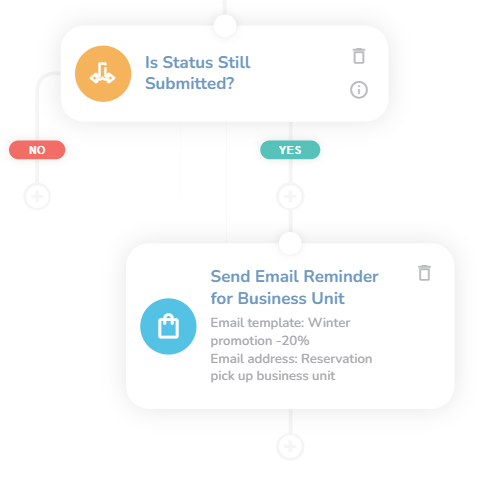
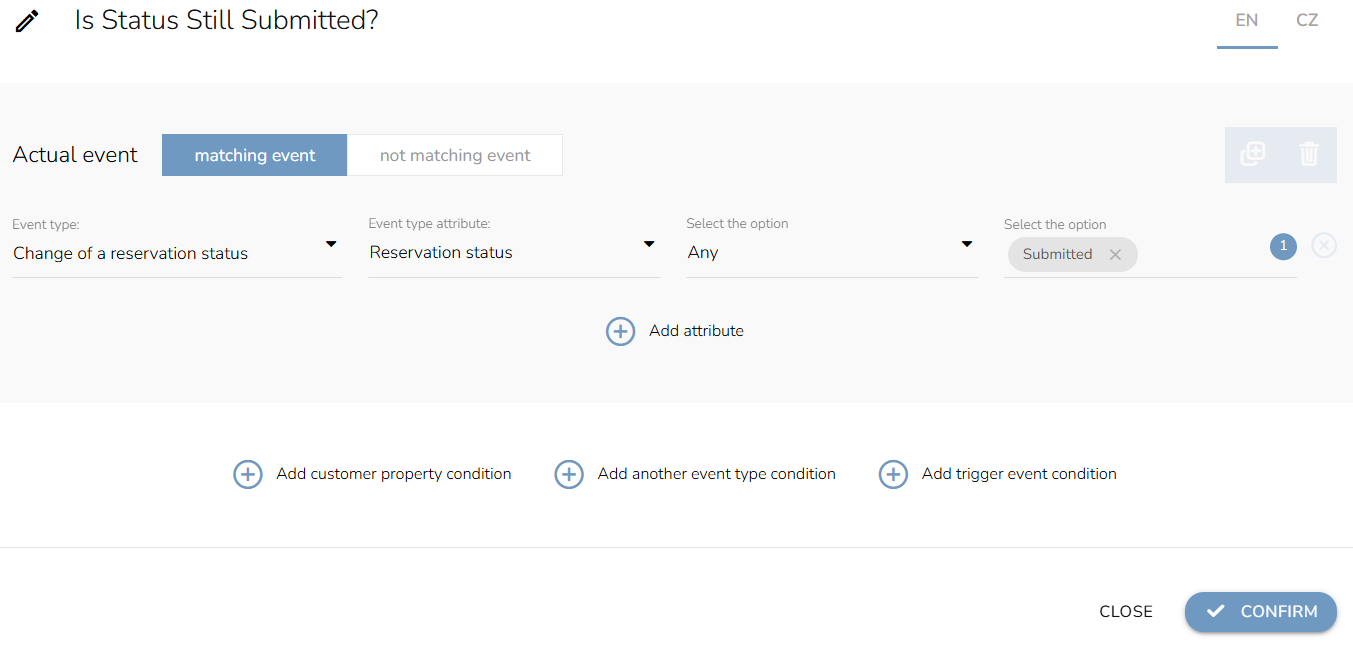
If the status is still the same, we send the last email reminder to the business unit.
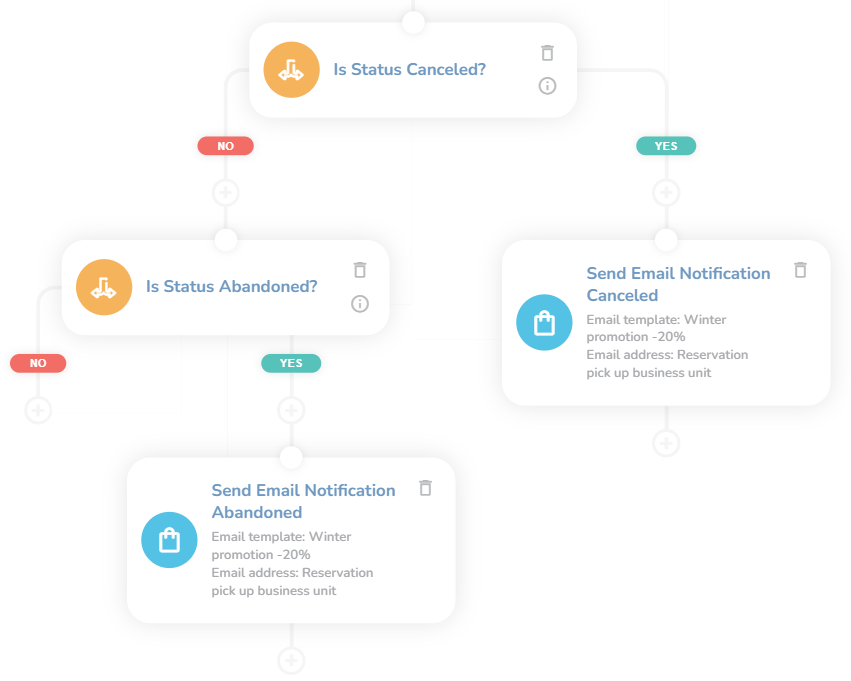
Status Canceled / Abandoned
These two branches look the same. Set the condition that checks the reservation status: Canceled or Abandoned (We already mentioned this earlier in the Conditions section). After that, add the "Send Email To the Business Unit" node, choose the right email template, and select the Reservation pick-up business unit as the email address.