PassMachine Notification Creation
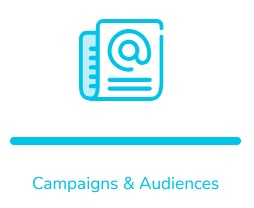
Open application "Campaigns & Audiences ".
Click on "PassMachine".

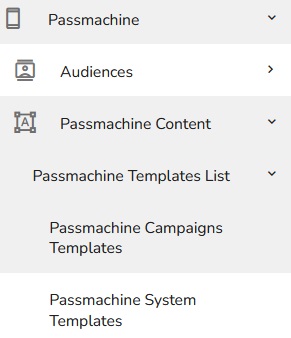
Click on "PassMachine content" and then continue to "PassMachine templates list".
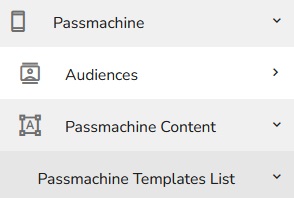
Choose either campaign templates or system templates.
Click on the "plus" button to create a new template.
You will see a new form for the PassMachine template.
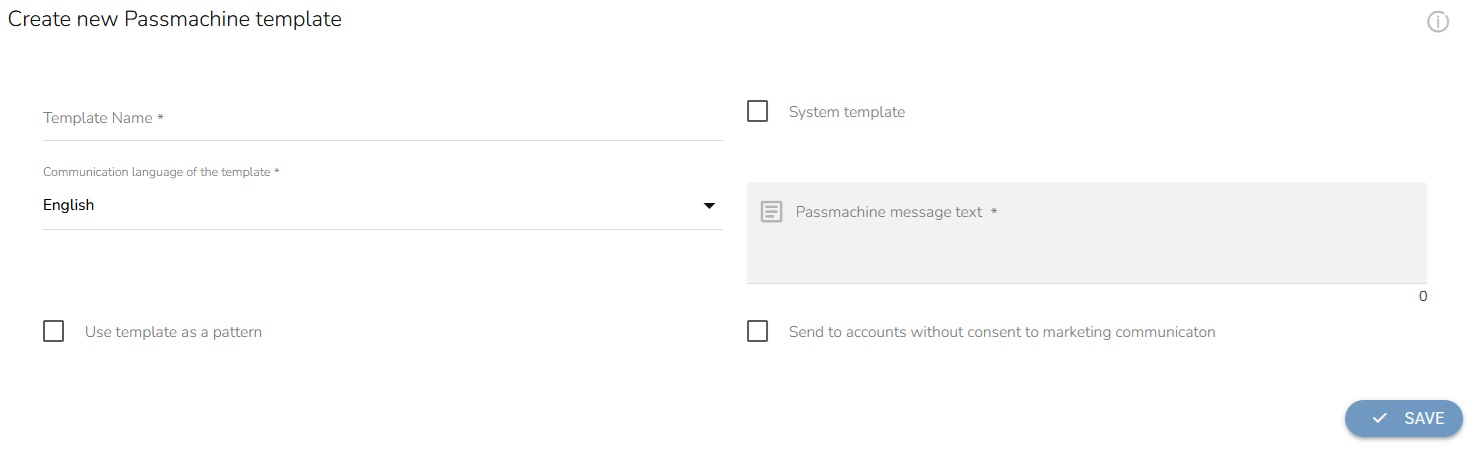
Fill in the name of the template.
Choose the communication language of the template.

Check if you want to use the template as a pattern.
Choose whether you want to make this template a system one or keep it a one-time campaign template instead.
Fill in the PassMachine message text.

Mark if you want to send this notification to accounts without consent to marketing communication.

Click on "Save".