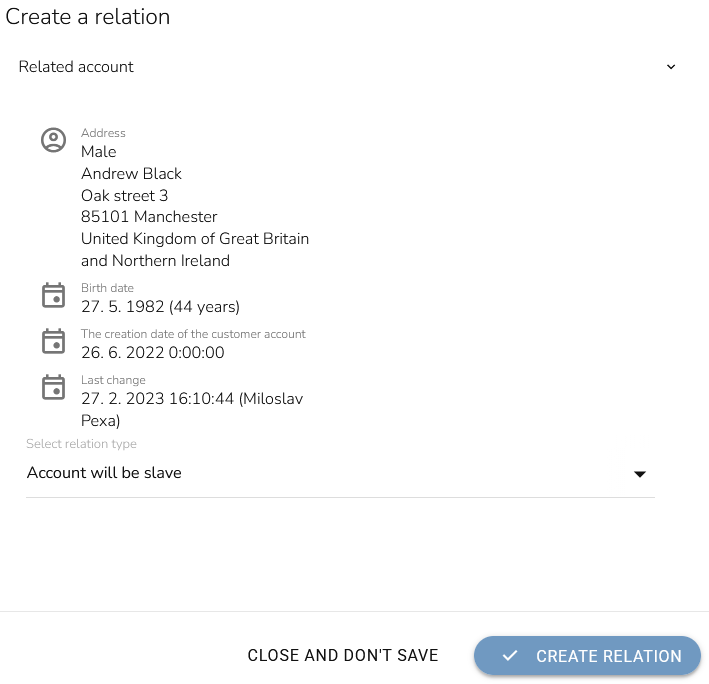
Connect a Business Account With the Contact Person Account
Open "Customer 360 View" application in the main menu.
Click on the "Customer Account search" in the left menu.

Search for the company account and open it by clicking the "Display account" icon.

The company account will appear. Find the "Account Relations" widget on the Customer Profile tab.
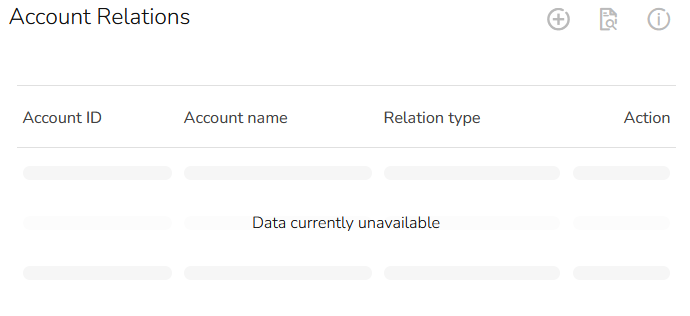
Click on the "Add account relation" icon.

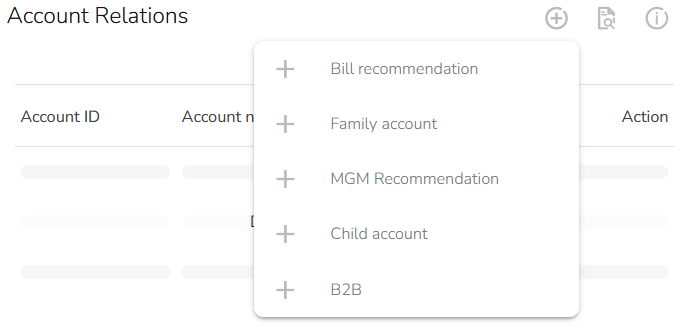
Choose the right relation type. We have created the relation typy in the previous step.
Find the desired contact account in the "Search and select the slave account" table.
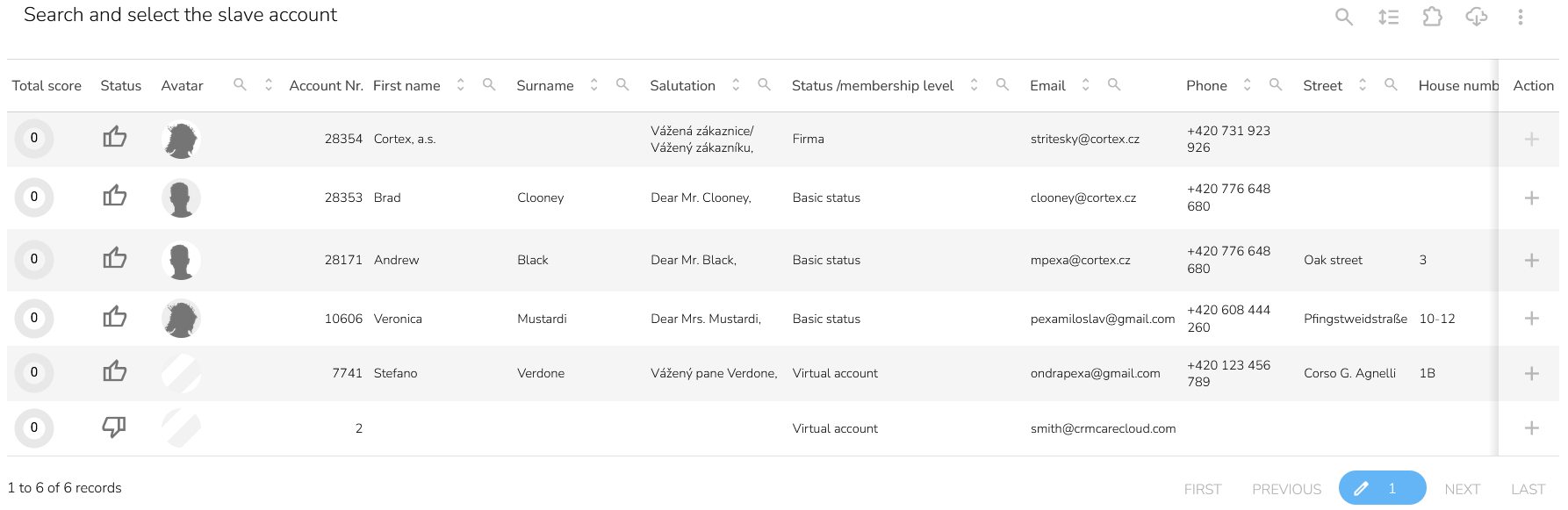
Click on the "Add account relation" icon.

A window with additional information will appear. Click on the "Create relation" button to finish account merging.