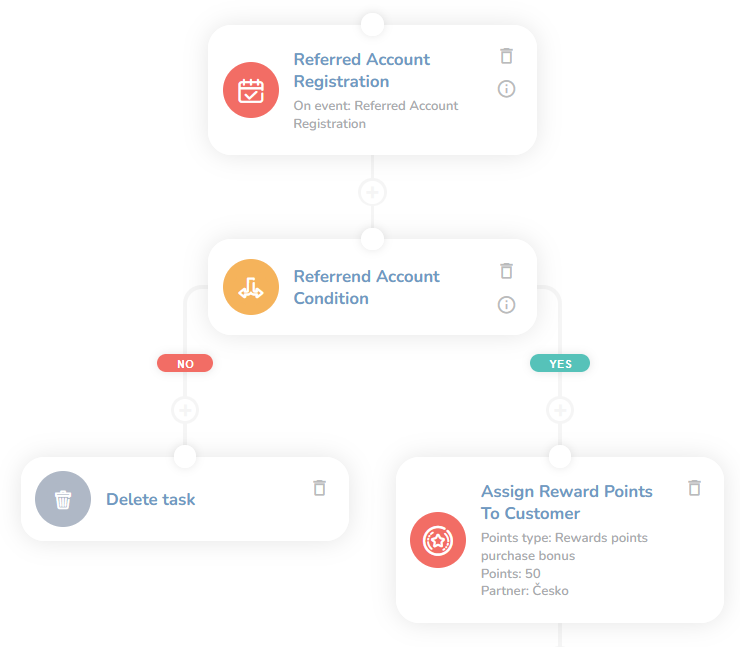
Workflow To Reward a Primary Customer For Referring a New Customer
Click on the “Marketing Automation” app.
Create a new workflow using the plus icon.

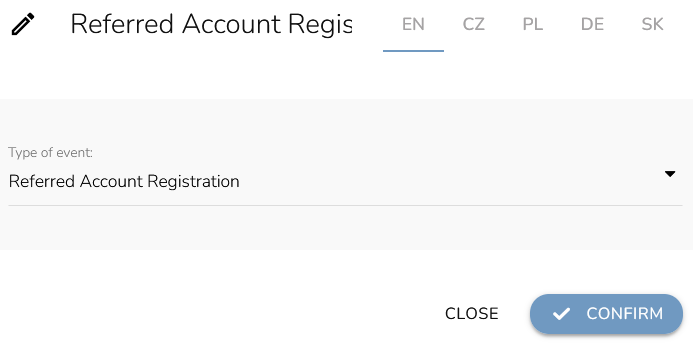
Start by selecting the trigger. In this case we choose the Event. Select the event type as "Referred Account Registration".
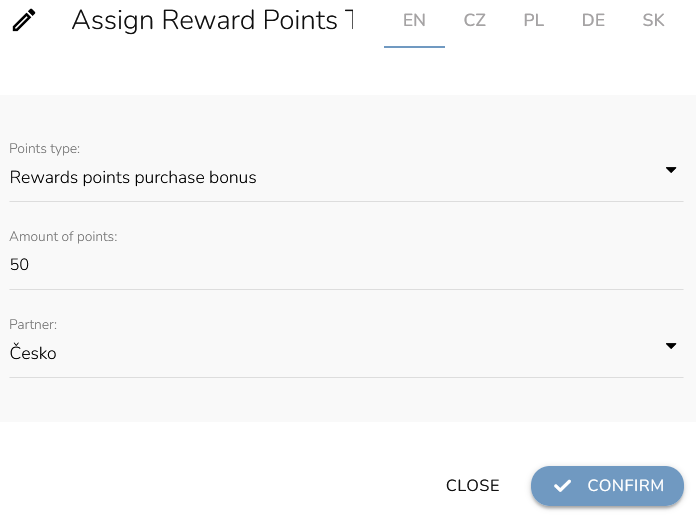
Add a new node using plus icon and choose the "Assign reward points to customer" icon. To set the parameters, click on the node and the settings window will appear. Select any points type and amount of points the customer should receive for referring another customer.
When everything is set, click on the "Confirm" button.
If you're concerned about this feature being misused for other personal email addresses belonging to the referring customer, or if you simply want to limit the bonus points awarded for this activity, you can add a condition node before the node that adds the points.
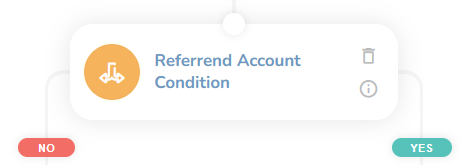
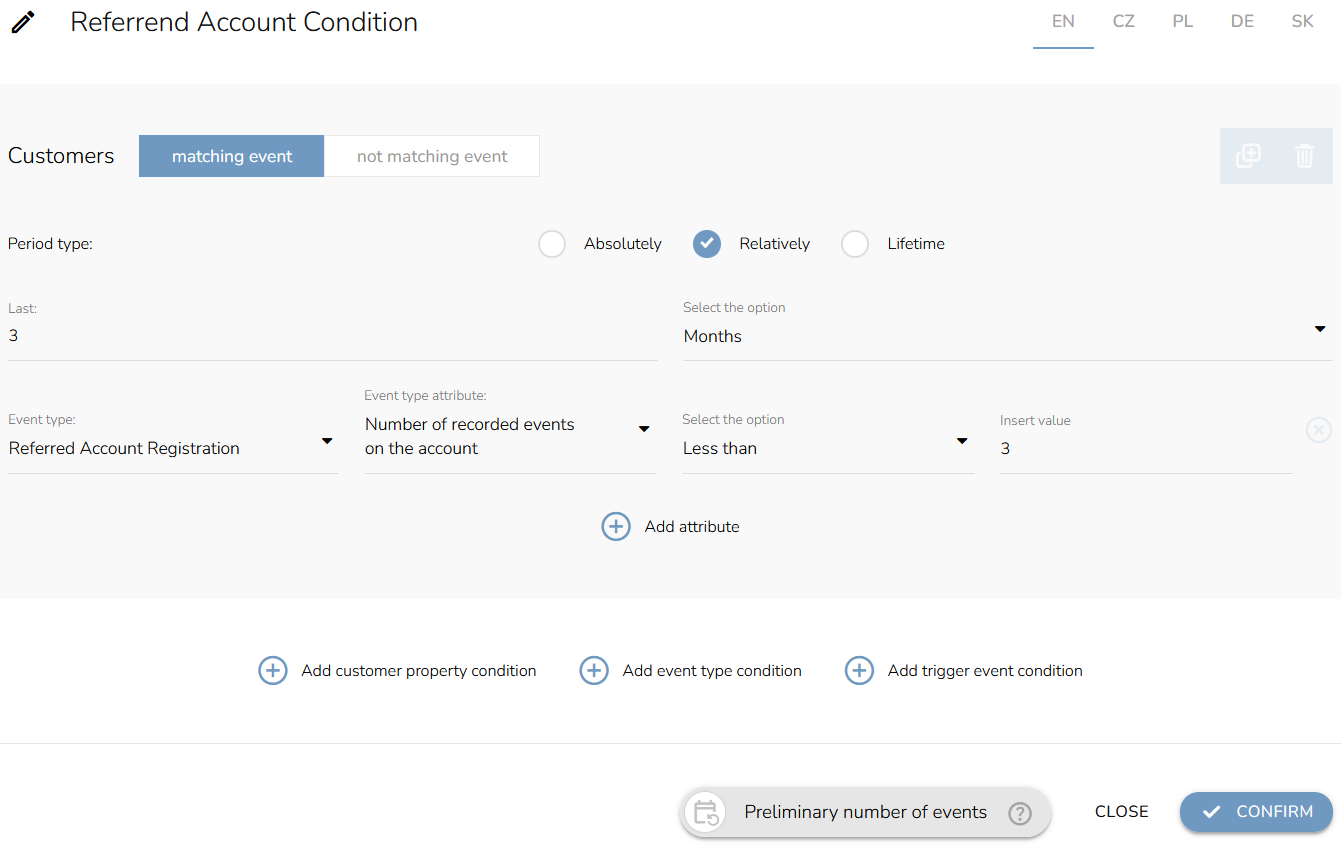
Click on the node, the settings window will appear. Choose “Add another event type condition”. Set period type. For example we have set 3 months but you can adapt the period type based on your preferences. Select the event type "Referred Account Registration" and click on the “Add attribute” icon. You can now set the details of the condition, such as “Number of recorded events of the account" in this period. When everything is set, click on the "Confirm" button.
Here you can see what the workflow will look like if we add a condition node: