Create a Reward
Open the “Loyalty and Administration” app in the main menu.
Click on the "Loyalty settings" in the left menu.

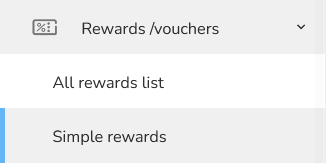
Now, choose the "Rewards/Vouchers" and click on the "Simple rewards".
In the header of the table, click on the “Add new” icon.

A Create a Simple reward form will appear. Fill in the Reward name and other settings if needed.
.png "N%C3%A1vrh%20bez%20n%C3%A1zvu%20%2871%29")
In “Setting the principle of obtaining the final voucher code” choose “Use manually imported codes” possibility.

When everything is set, click on the "Save Reward" button.
Among the action elements in the table, click on the “Imported codes using set” element.

An Imported codes overview form will appear. Click on the “Upload new codes” icon.

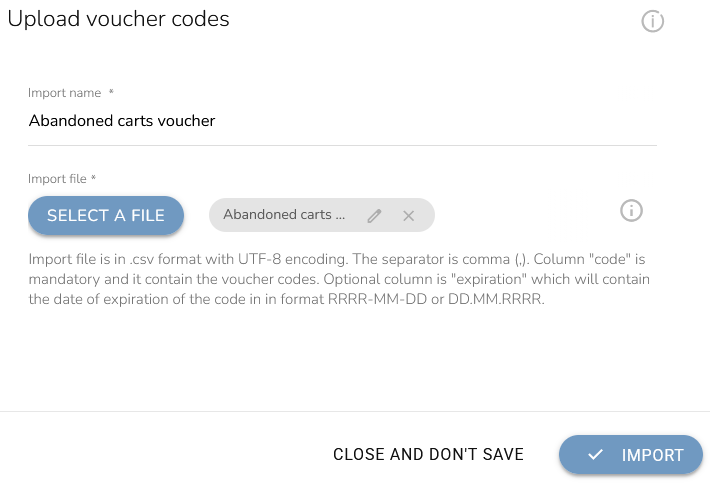
Select a file to upload from your PC (vouchers codes list from your e-shop supplier) and confirm with the “Import” button.