Create a Segment Based on Product Preference
Open the “Campaigns and Audiences” application in the main menu.
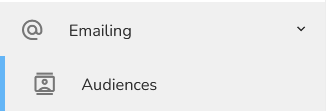
To create a new audience, click on "Emailing" and then choose "Audiences".
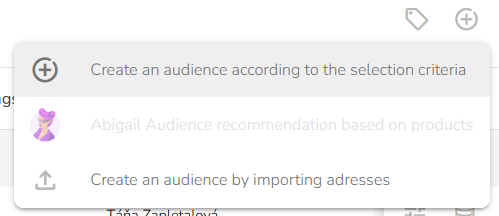
The Audience list table will appear. In the header of the table, click on the "New audience" icon and choose "Create an audience according to the selection criteria".
A Create an Audience form will appear. Fill in the Audience name and Audience description.
.png "N%C3%A1vrh%20bez%20n%C3%A1zvu%20%2870%29")
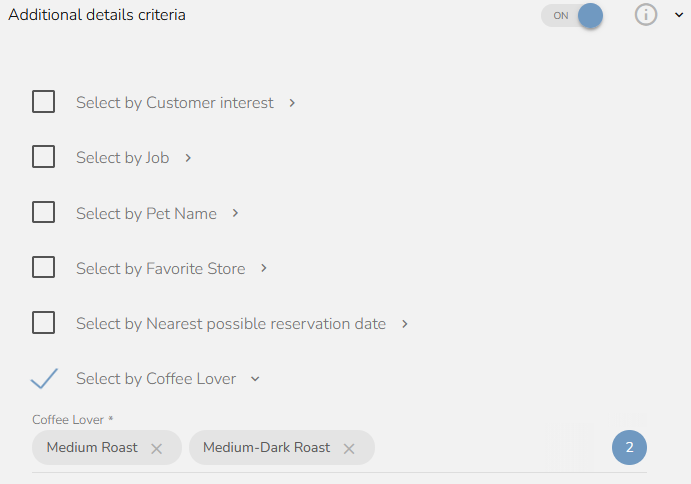
Click on the "Additional details criteria” and select one or more products that you want to target with your campaign. For example, in the previous step we created a Coffee Lover selection. Now, we select this option and choose Medium Roast and Medium-Dark Roast. This way, only customers who buy these types of beans will be included in this segment.
Click on the 'Preliminary number of records' button to calculate the target group. Be patient, the calculation may take some time! Do not forget to fill in the name and choose a partner. Without this data, the calculation will not take place.

When everything is set, click on the "Save Audience" button.
